CWS Light Table
A lightweight browser-based editor for simplified single-sheet CWS HTML documents, with multilingual UI, data-cleaning tools, quick-action toolbar, and dedicated print rendering.
About
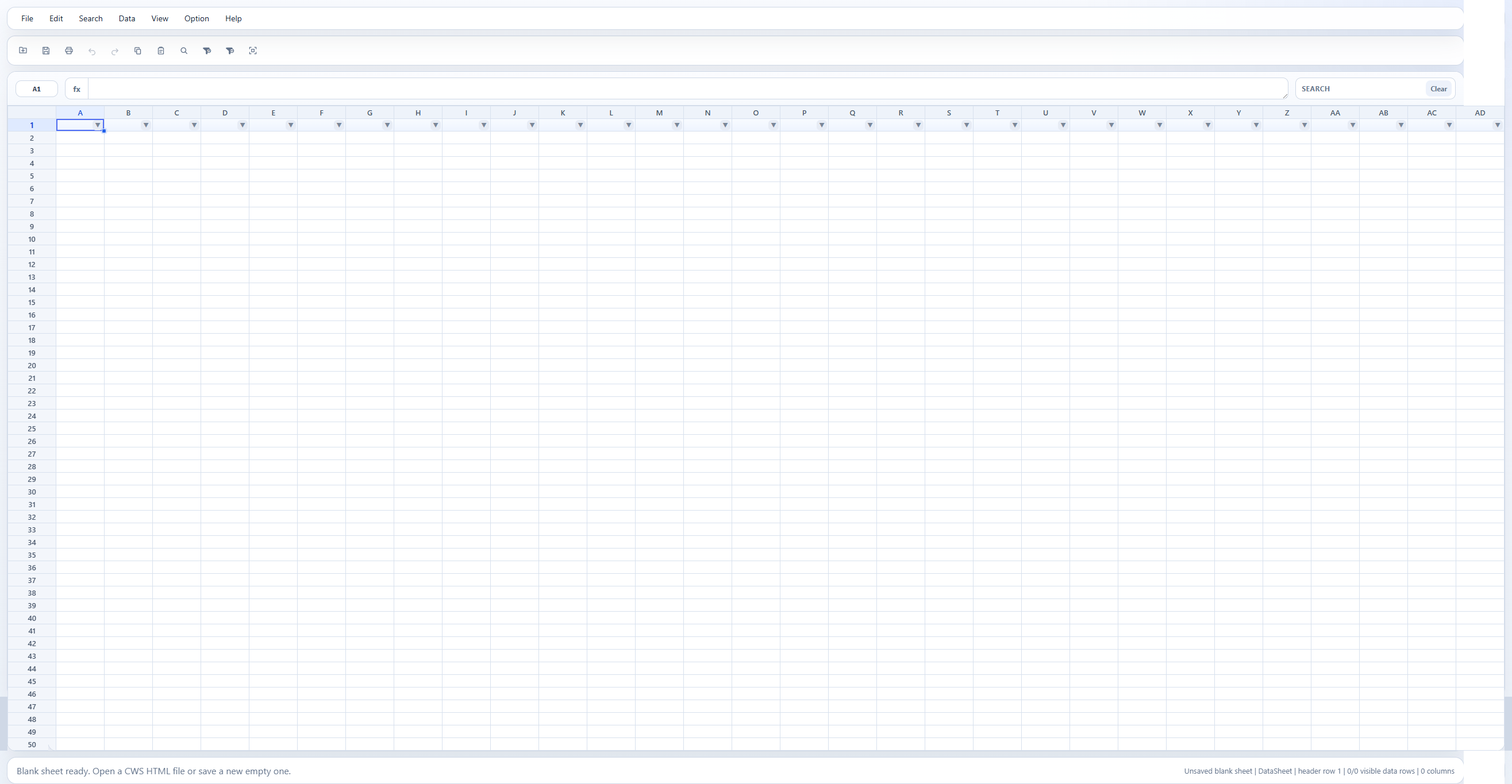
CWS Light Table is designed for practical table editing rather than full workbook authoring: open a CWS HTML file, edit values in a spreadsheet-like grid, clean data with deduplication, blank-row removal, space cleanup, and format conversion, filter and print the current sheet, import common workbook or text-like formats, export plain text formats, and save the result back as a standalone HTML file that opens directly in a browser.
Features
Core Features
- Open and save standalone CWS HTML
- Import .xlsx, .xlsm, .xls
- Import csv, tsv, txt, json, and xml
- Export CSV, TSV, and TXT
- Plain-value grid editing with formula-bar support
- Range, row, column, and whole-sheet selection
- Copy, paste, fill-repeat, selection clearing with Delete, undo, and redo
- Find and replace with Global or Current selection scope
- Formal header-row control, filtering, and sorting
- Quick-action icon toolbar for common commands
- Optimized virtualized rendering for large datasets (10,000+ rows)
- Standalone saved-file parity including Excel import without a vendor folder
Data Cleaning
- Remove duplicate rows by one column or a multi-column comparison key, with preview counts
- Remove fully blank rows from the selection or the whole data area, with preview counts
- Trim leading, trailing, and inner spaces, with collapse or remove-all inner-space modes
- Convert formats: lowercase, uppercase, capitalized words, full-width, and half-width, including Japanese katakana
- Find encoding issues (mojibake, replacement characters, control characters) without modifying data
- Amount commas: add or remove thousands separators for strict numeric strings, with preview counts
Settings
- Multilingual UI with English, Simplified Chinese, and Japanese
- Editable grid-size control through Grid Limits
- Page setup and dedicated browser print rendering
Quick Start
Get up and running in two steps.
Requirements: Node.js + npm
npm run build # rebuild standalone runtime
npm run dev # start dev server
Default: http://127.0.0.1:4173/
Native Format
script#websheet-model element together with the lightweight runtime shell. Saved files open directly in any browser as a fully functional table editor.Open Source
Released under the MIT License. See the LICENSE file for details.
Author
Mac Su